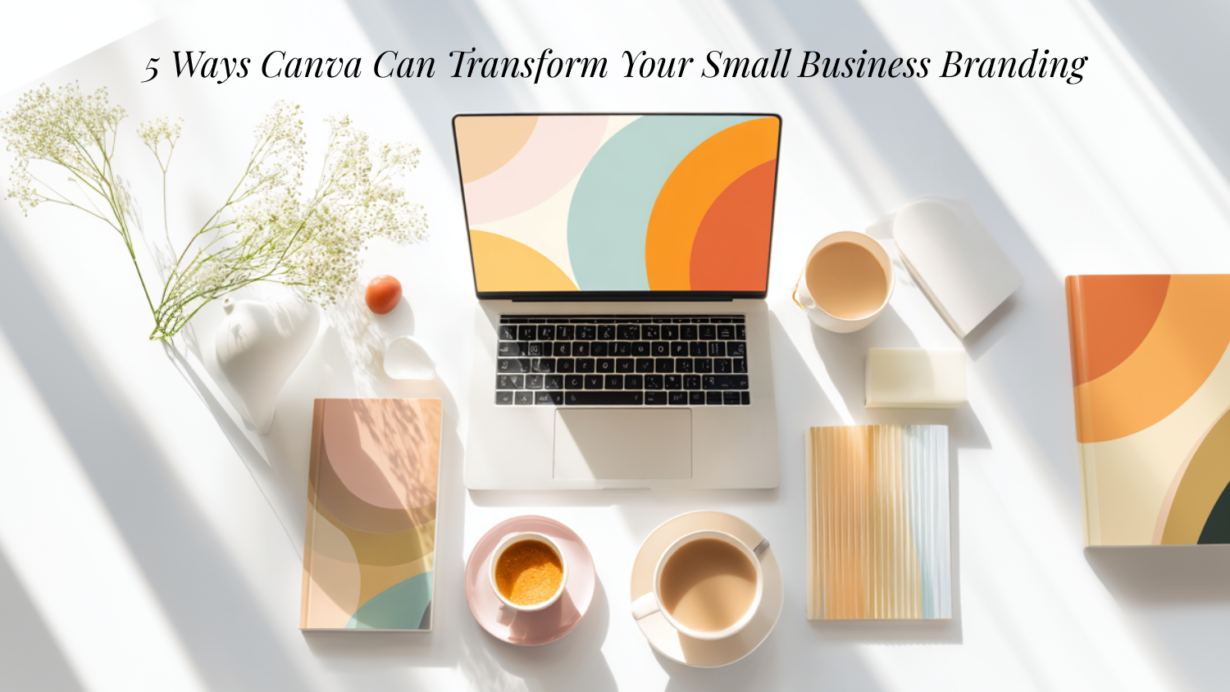
In today’s competitive marketplace, branding isn’t a luxury — it’s essential. Whether you’re a solopreneur, Etsy seller, or creative entrepreneur, your brand sets you apart. But hiring a professional designer? Not always in the budget.
That’s where Canva comes in — a game-changer for small businesses looking to create beautiful, consistent branding with ease.
1. Design a Consistent Visual Identity
Canva’s Brand Kit lets you store your brand colors, fonts, and logos in one place. This keeps everything from social posts to packaging consistent and instantly recognizable.
➡️ Tip: Create your Brand Kit under the “Brand” tab for quick access every time you design.
2. Create Social Media Graphics in Minutes
Canva has thousands of templates for Instagram, Facebook, Pinterest, and more. No design skills required — just drag, drop, and post.
➡️ Use Canva’s built-in Content Planner to schedule your posts and stay ahead.
3. Build a Beautiful Logo
Whether you’re starting from scratch or customizing a template, Canva makes logo design simple and professional.
➡️ Download your logo in multiple formats (PNG, SVG, transparent background) for all uses.
4. Polish Your Online Shop or Blog
From Etsy banners to blog headers to mockups for digital products, Canva helps your storefront or website shine.
➡️ Search for “Etsy banner” or “Shop icon” to find ready-made templates.
5. Enhance the Customer Experience
Create branded thank-you cards, packaging inserts, digital downloads, and more — all with Canva.
➡️ You can even animate designs for Instagram Stories or email GIFs!
✨Why We Use Canva at Goodness and Favour
We use Canva every single day — for blog images, Etsy listings, product mockups, and marketing. It’s streamlined our workflow and strengthened our visual brand across all platforms.
Ready to give it a go?
Follow along with our weekly Canva tips, tutorials, and inspiration posts to help you elevate your own brand — one design at a time.